
PixelPi simplifies the management of WLED LED controllers*
*Manage Ethernet Connected WLED Controllers from a locally hosted dashboard.
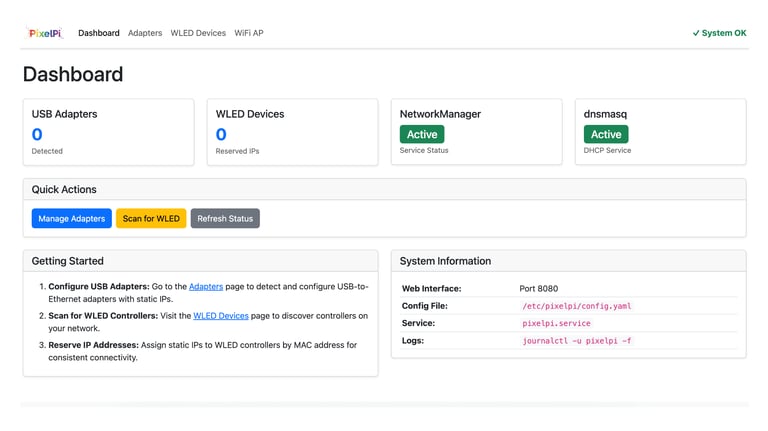
Dashboard overview of Devices & System Status
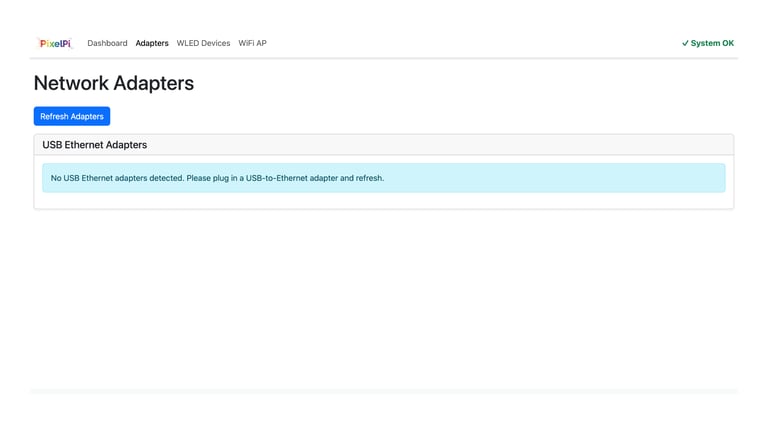
Scan for USB to Ethernet Adapters connected to the Pi
Add & Manage Ethernet WLED Controllers
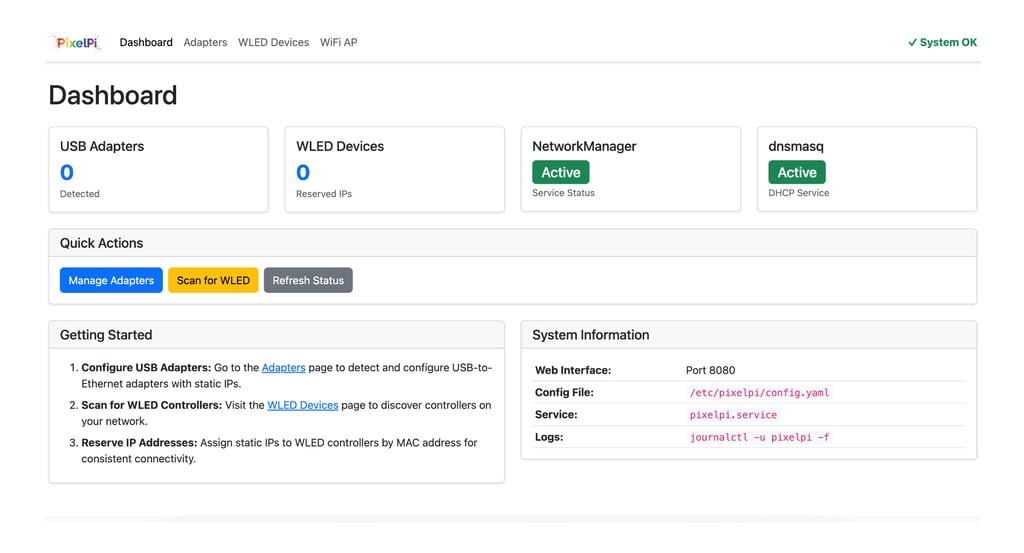
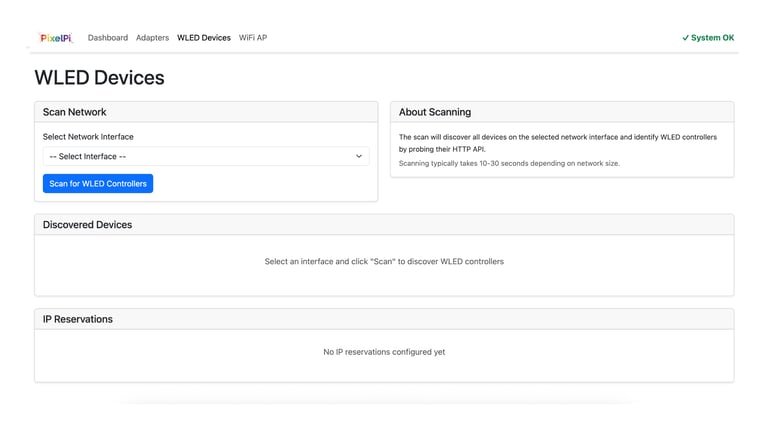
Open-source network management system for WLED controllers on Raspberry Pi
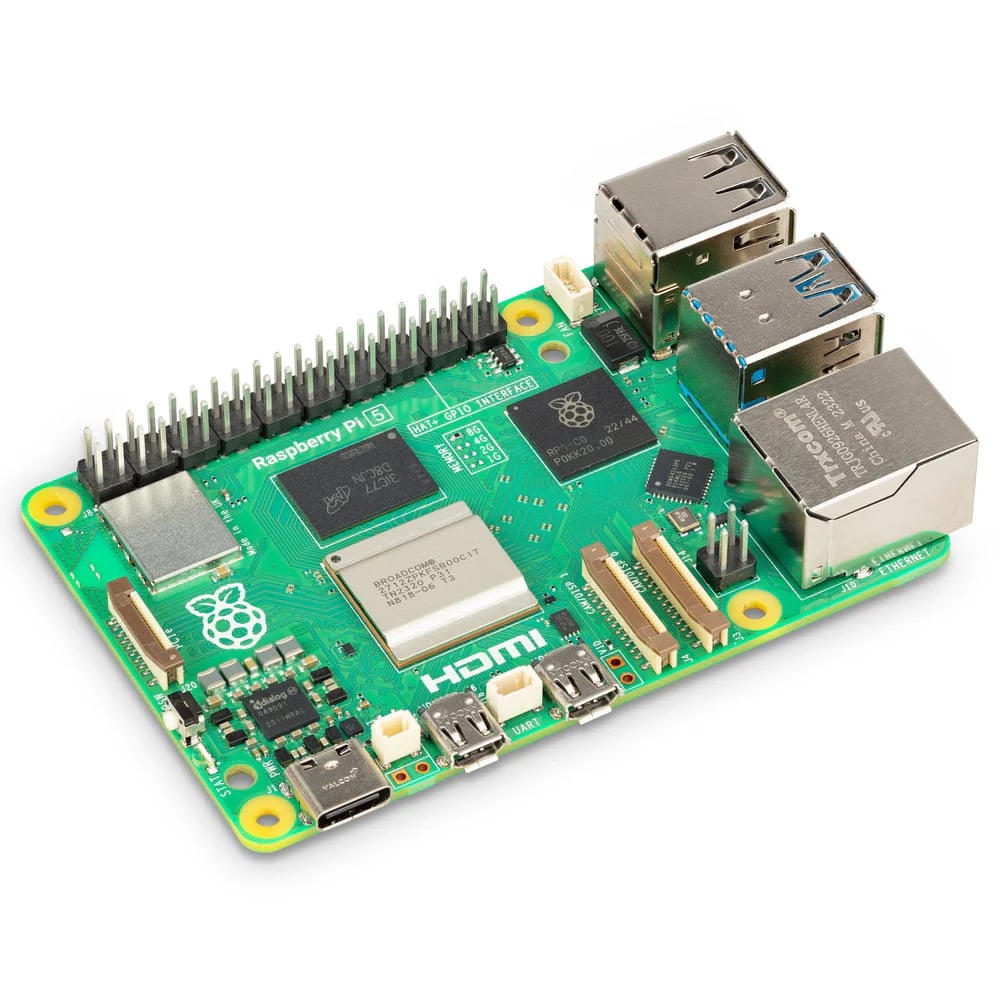
Raspberry Pi 5 (recommended) or Pi 4
Raspberry Pi OS (Full or Lite)
Internet connection for initial setup
USB Ethernet adapters with RTL8153 chipset

Simple setup
Configure Adapters - Set up USB Ethernet with static IPs
Scan for WLED - Discover controllers on your network
Reserve IPs - Assign static IPs via MAC address
WiFi AP (Optional) - Enable wireless access
PixelPi WLED Controller Manager
PixelPi Manager runs on Raspberry Pi, making WLED control simple and reliable.
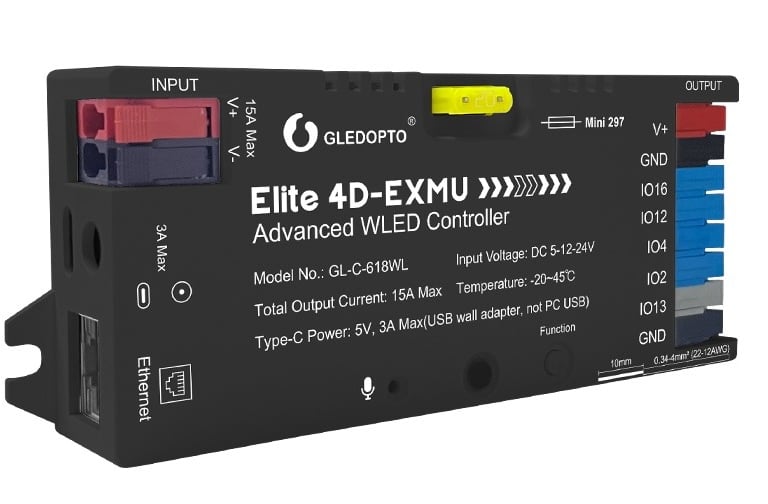

Perfect partner
Pair PixelPi with GLEDOPTO Ethernet WLED controllers to create your own LED Lighting Systems
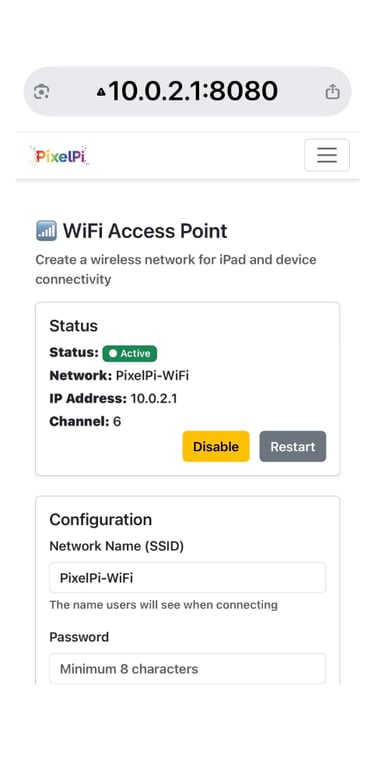
WiFi Access Point
Configure the Raspberry Pi's WiFi to act as an Access Point to enable iPads & Tablets to connect directly, perfect for controlling WLED using Node-Red Dashboards
FAQs
What is PixelPi?
PixelPi is software to control WLED on a Raspberry Pi.
How do I install it?
First install Raspberry Pi OS to your Pi and then install PixelPi with a single command
Can I use it with multiple WLED Controllers?
Yes, PixelPi supports managing multiple WLED Controller devices from one Raspberry Pi interface.
Is it compatible with all Raspberry Pi models?
PixelPi is designed to run on a Raspberry Pi 4 or 5
Does it require internet access?
No, PixelPi runs locally without needing internet.
Where can I get support if I have issues?
You can reach out via our support page or join the community forum for help.
Contact
Get in touch for support or questions
Online:
© 2026. All rights reserved.